YouQR

How to Create a Location QR Code for Your Shop or Office

A location QR code opens a map link when someone scans it. It is useful on an appointment card, delivery note, shop flyer, or visitor invitation: the person can open your destination without typing an address.

The important part is choosing the correct place before creating the code. A pin in the middle of a large building may be accurate on a map but leave a visitor looking for the entrance.
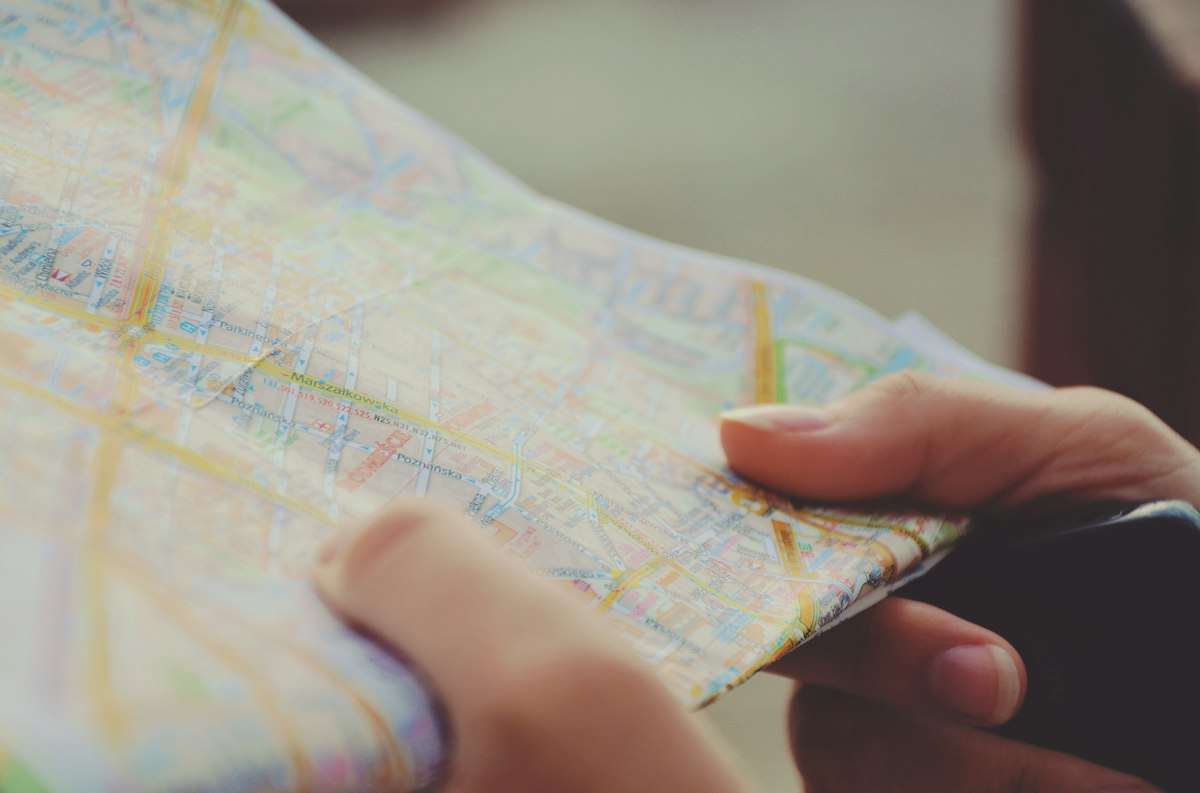
A person holding a map while planning where to go
Photo by Sylwia Bartyzel on Unsplash.

Start with a public location link

Find your business or the intended public place on the map you use. Check the name, address, and pin. Use its sharing option to copy the place link rather than copying a screenshot. Google's map-sharing guidance explains the available link-sharing options.

Open the copied link in a signed-out browser. Does it show the right branch? Is there a useful entrance note? If you have two shops with similar names, check the street as well as the business name.

Turn the link into a QR code

  1. Copy the public destination link.
  2. Open YouQR's URL QR code generator and enter that link.
  3. Create the code and download the image.
  4. Add a short caption, such as “Scan for our shop location.”
  5. Scan the finished design with another phone before printing the full batch.

For example, a repair shop could put a location QR on its collection receipt. A customer returning for their appliance can open the same branch location, while the receipt still shows a written address for anyone who prefers it.

Make the destination easy to act on

A map link helps someone find a place; it does not explain every arrival detail. Keep the building name, floor, or public entrance instructions beside the code when they matter. Avoid putting a private home address on a public flyer without the person's agreement.

A location QR also does not track a visitor's live position or guarantee a particular route. It opens the destination you selected. If you need to change that destination later, understand the difference between static and dynamic QR codes before committing to print.

Frequently asked questions

Can I make a QR code for a map location?

Yes. A QR code can open the public place link. Test the link independently first, then test the code.

Should I use a place link or a directions link?

A place link lets visitors choose their own starting point. Use a directions link only when its route and starting point fit the intended audience.

Can one QR code open all my branches?

It can open a branch-list page if you have one. For a branch-specific card, a direct link to that branch is usually clearer.

Does this replace the written address?

Keep both where possible. A readable address remains useful when someone cannot scan or has no connection.
You may also like reading

QR Code Kya Hota Hai? Hindi Meaning and Everyday Examples

QR Code Kya Hota Hai? Hindi Meaning and Everyday Examples

QR कोड छोटे चौकोर खानों से बना एक पैटर्न है, जिसमें जानकारी रखी जा सकती है। फोन का कैमरा या सही स्कैनर उस पैटर्न को पढ़कर लिंक, टेक्स्ट या किसी खास काम की जानकारी पहचानता है। QR का पूरा नाम Quick Response है। आसान उदाहरण लें: किसी मिक्सर के डिब्बे पर QR कोड लगा है। उसे स्कैन करने पर मिक्सर की सफाई के निर्देश खुलते हैं। कोड ने फोन को उस पेज का पता दिया; पूरे निर्देश जरूरी नहीं कि कोड के भीतर रखे हो

Read more →
QR Code Kaise Banaye: A Step-by-Step Hindi Guide

QR Code Kaise Banaye: A Step-by-Step Hindi Guide

लिंक से QR कोड बनाने के लिए पहले वह पेज खोलें जो आप दूसरों को दिखाना चाहते हैं। उसका सार्वजनिक लिंक कॉपी करें, YouQR के जनरेटर में डालें और बना हुआ कोड डाउनलोड करें। अंत में दूसरे फोन से जांचें कि सही पेज खुल रहा है। यह तरीका वेब लिंक के लिए है। WiFi का पासवर्ड सीधे फोन में भरने वाला कोड, भुगतान कोड या आधिकारिक टिकट अलग तरह की जानकारी इस्तेमाल कर सकते हैं। उन्हें सामान्य वेबसाइट लिंक के समान न मान

Read more →
QR Code Stickers and Labels: From Design to Placement

QR Code Stickers and Labels: From Design to Placement

A QR code sticker adds a scannable destination to something you already have: packaging, a counter display, a product guide, or a storage label. YouQR supplies the digital code; printing and applying the physical sticker are separate steps. Start by deciding what a person should achieve after scanning. A sticker on a product box might open setup instructions. A sticker at a shop counter might open

Read more →
QR Code Sticker Size: Choose, Print and Test Yours

QR Code Sticker Size: Choose, Print and Test Yours

The right QR code sticker size depends on how people will scan it. A handheld product label and a notice viewed across a counter need different treatment. Choose the size around the use, then test a finished sticker on the intended surface. Also distinguish the sticker's total dimensions from the space used by the QR pattern. Your label needs room for the pattern, its clear margin, and any caption

Read more →
QR Code Not Scanning? Check the Image, Link and Destination

QR Code Not Scanning? Check the Image, Link and Destination

When someone says a QR code is not working, first ask what happens on their phone. Does the camera fail to recognise the pattern? Does it display a link that will not open? Or does the page open and deny access? Those are different problems. Finding the failing step helps you make a useful change instead of reprinting a working code or repeatedly editing a destination that the camera cannot read.

Read more →
How to Print a QR Code That Scans Clearly

How to Print a QR Code That Scans Clearly

To print a QR code, download a suitable image, place it in your artwork without stretching or cropping it, and test a real printed copy. The file can be correct while the final print still needs adjustments. Think of the test print as part of making the code. A code viewed on a bright laptop screen has not yet been checked on a small label, a curved bottle, or a poster behind glass. Use a test pri

Read more →