QR codes work because they remove friction. You point your camera, tap the link, and you are there. That speed is exactly what makes them useful for businesses -- and occasionally, useful for people with bad intentions.
Fake or tampered QR codes have appeared on parking meters, public noticeboards, event signage, and unsolicited flyers. From the outside, the code looks like any other grid of black squares. The difference is what it points to. This post covers what to look for before you open the link, and what small businesses can do to keep their own codes trustworthy.
How a QR code gets faked or tampered with
A QR code is simply a machine-readable link. Anyone can generate one and direct it anywhere. The two most common methods of misuse are straightforward:
- Sticker-over-sticker replacement: A printed sticker carrying a fraudulent code is placed directly over the original. The overlay can be hard to spot on a quick glance, particularly in busy or dimly lit spaces.
- Standalone fakes: A fraudulent code is printed and placed somewhere it looks plausible -- near a payment point, on a flyer, or on a sign that mimics an official notice.
There is a third risk specific to dynamic QR codes. With a dynamic code, the destination URL is stored in an external account rather than baked into the code itself. If that account is compromised, the physical code stays the same but it can be redirected anywhere. Understanding the difference between static and dynamic QR codes helps you decide which type to use and where.
Where suspicious codes are most likely to appear
Tampered or fraudulent codes tend to show up wherever there is a plausible reason to scan and low visual accountability. Common locations include:
- Parking meters and unattended pay stations
- Public noticeboards, lamp posts, and community boards
- Unsolicited postal mail and door-drop flyers
- Unattended table tents in cafes and restaurants
- Event signage in high-footfall areas with many different organiser materials in one place
This is not a reason to refuse every QR code you see. The overwhelming majority are exactly what they appear to be. It is a reason to spend two seconds on a visual check before you tap through.
What to check before you point your camera
You can often spot a problem before you even scan:
- Raised edges or misalignment. Run a finger across the code. If you feel a slight ridge or see a sticker edge peeking out from beneath, the surface has been modified.
- Print quality that does not match the surrounding material. A blurry or low-resolution code on an otherwise professional sign is worth questioning.
- No business name, logo, or context nearby. A QR code floating on plain white paper with no explanation of who put it there or what it opens is a warning sign.
- An unusual physical location. A code stuck near a card reader at a small market stall that normally takes cash, for example, deserves a question to the person running the stall before you tap.
What to check in the URL preview before you open it
When your camera reads a QR code, most phones display a URL preview before anything loads. That preview is your most important checkpoint. A careful scan process always includes reading that URL before tapping.
Look for three things:
- A recognisable domain. If a code is on a restaurant menu, you expect to see that restaurant's website or a known ordering platform. A string of random characters or an unfamiliar domain is worth pausing on.
- HTTPS. A link that starts with
http://rather thanhttps://is unusual for any legitimate business page in 2026. It is not an automatic disqualifier, but it is worth noting. - A plausible page path. A code on a menu pointing to
/menuor/ordermakes sense. A code on a restaurant table pointing to/verify-your-accountdoes not.
If the URL looks wrong, do not open it. Take a photo of the code and the surrounding context and, if appropriate, alert the venue or local authority.
How businesses can protect their own codes
If you use printed QR codes on signage, packaging, or table materials, the risk runs both ways. A tampered code on your premises is a problem for your customers and for your reputation. A few practical measures help:
- Print your URL alongside the code. Adding your domain in small text below the code gives customers a way to verify the destination and makes any overlay immediately obvious.
- Check your own codes regularly. A quick weekly scan of your printed materials takes under a minute. Catching a tampered code early limits exposure.
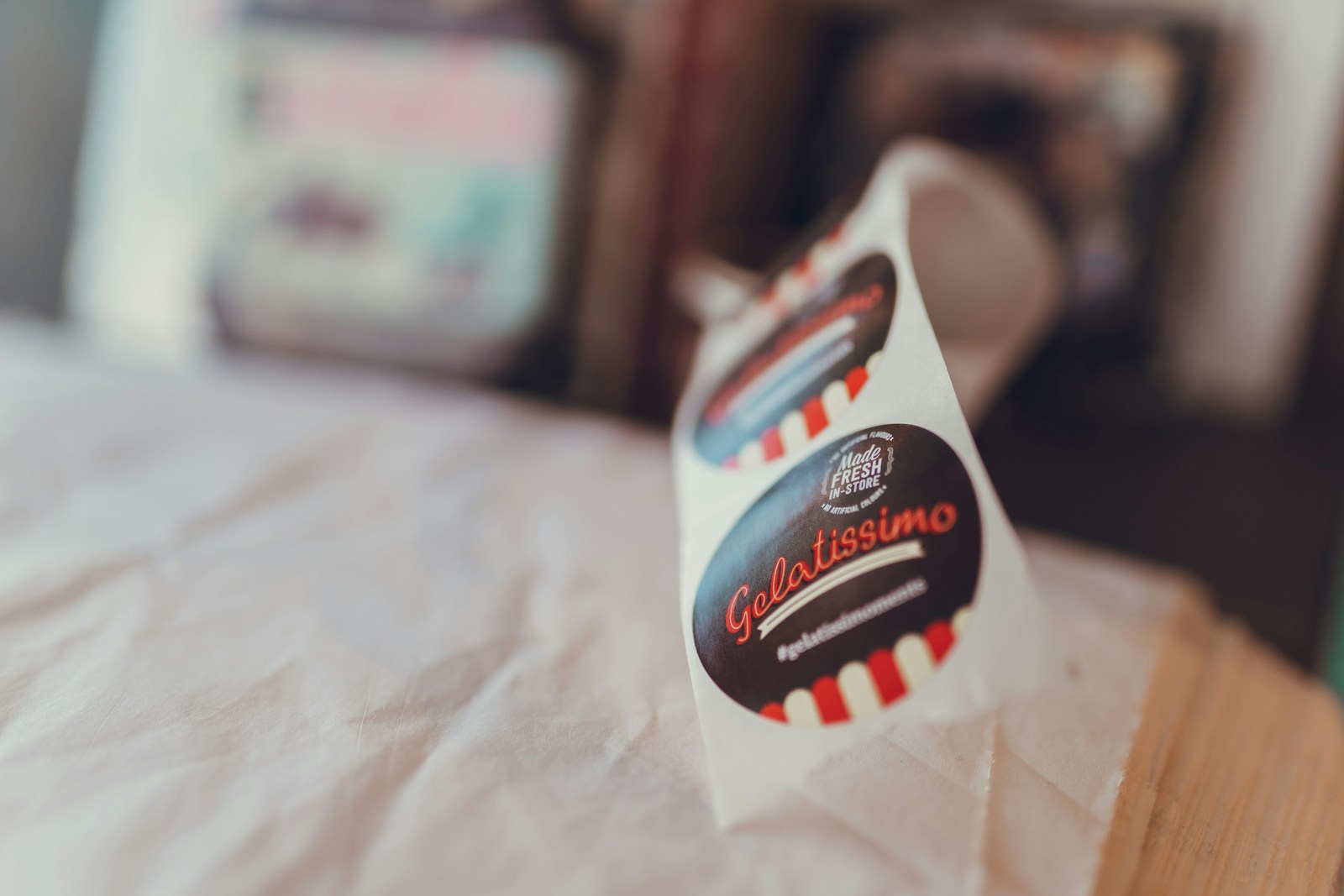
- Choose appropriate materials for the placement. For codes in high-traffic or publicly accessible locations, tamper-evident label materials make physical interference visible. Choosing the right sticker and label format affects both durability and security.
- Secure the accounts that control your dynamic codes. Use a strong unique password and two-factor authentication on any platform where you manage QR code destinations.
For codes linked to payments or identity, consider whether a static code -- which has no external account that can be compromised -- is a better fit than a dynamic one for that specific use.
Takeaway
Checking a QR code takes about as long as checking the expiry date on something you are about to buy. A quick look at the physical surface for signs of tampering, then a read of the URL preview before tapping, is a habit worth building. For businesses, printing your domain clearly next to every code and checking them periodically costs very little and builds the kind of visible trustworthiness that customers notice. You can create a QR code with your branding included so it is clear to anyone who scans it exactly who the code belongs to.